How can we help?
Short, plain-English answers on quoting, getting paid, invoices, integrations and your account. Written by the person who builds the app.
31 articles
// watch it done
See it on a real screen
17 recordings from the app, each under 30 seconds. Drag to browse.
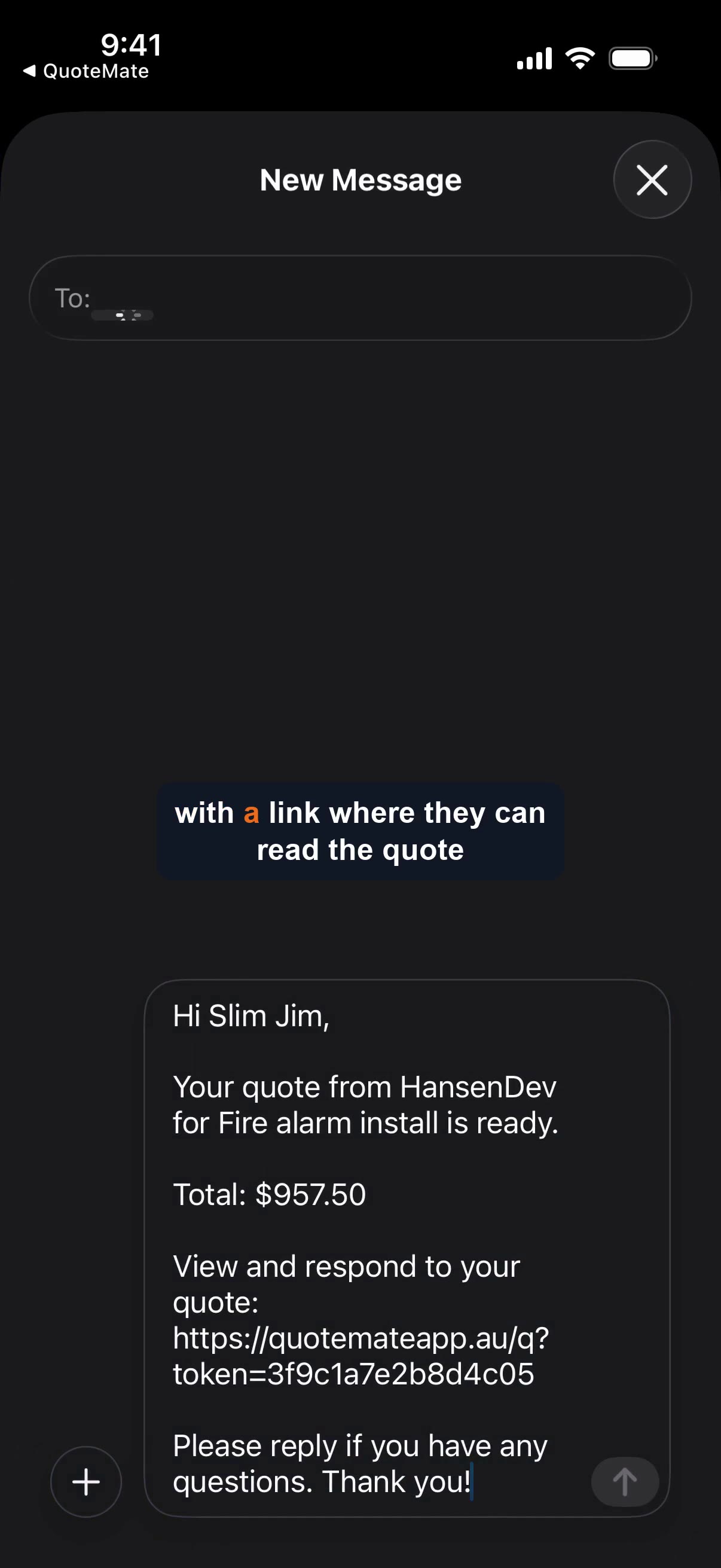 11sSend a quote by SMS
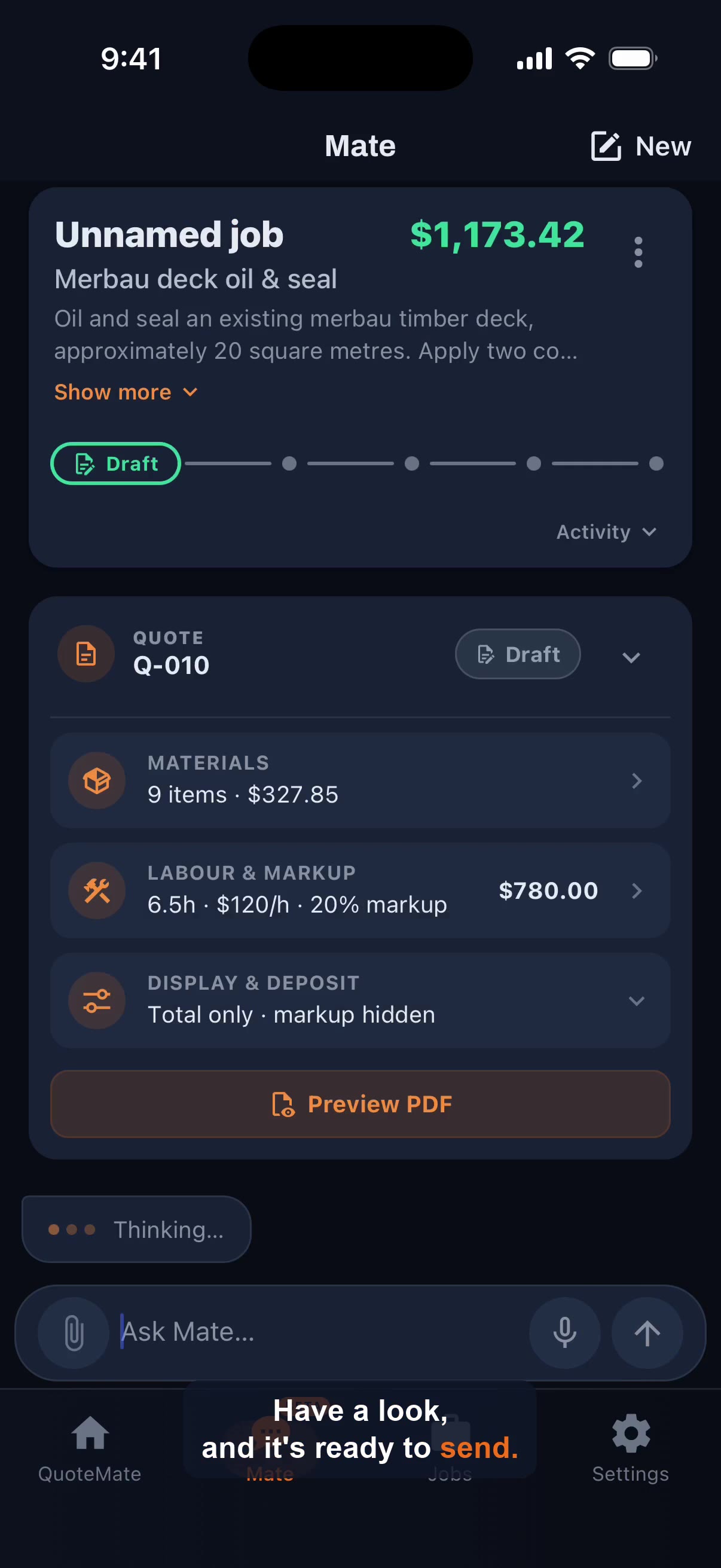 16sQuote a job from a photo
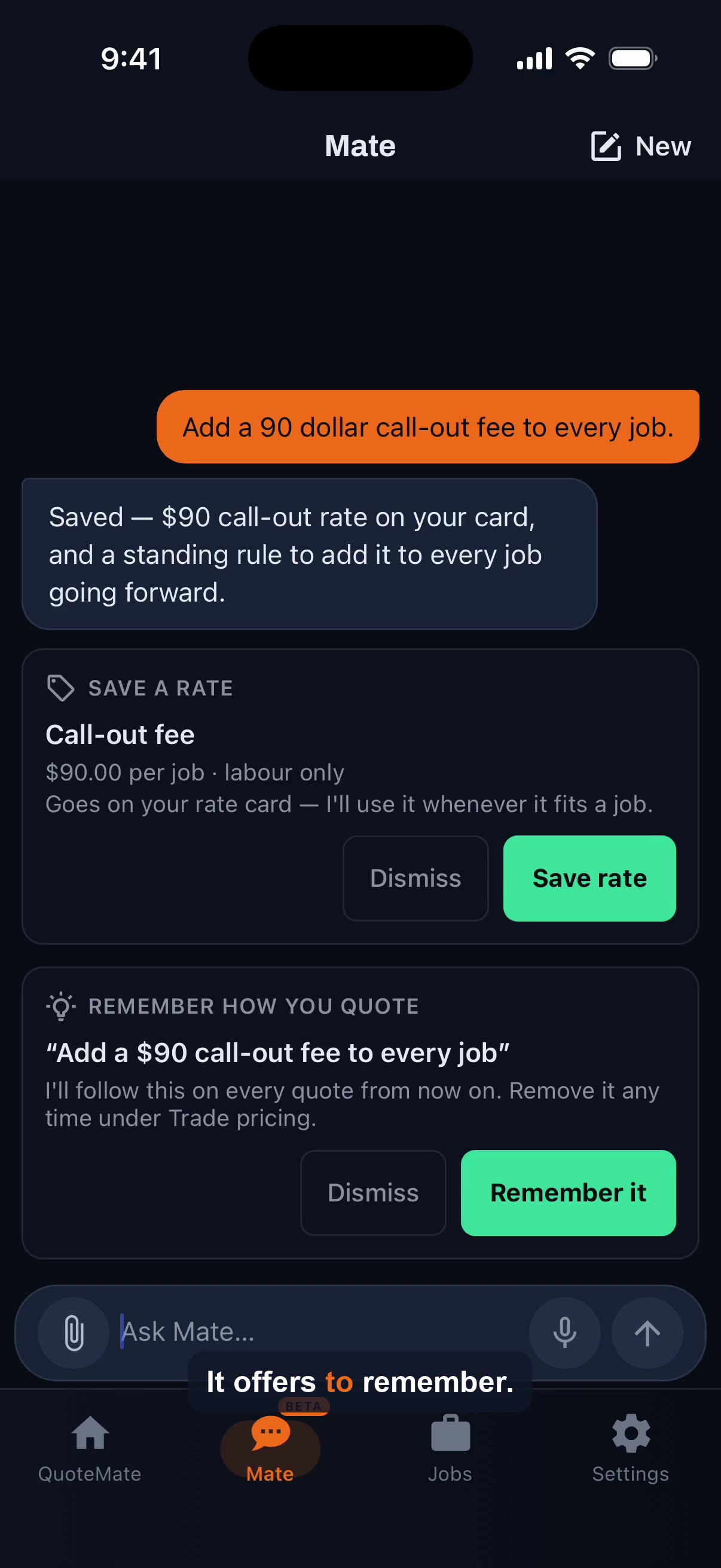 26sHow Mate remembers the way you quote
 24sGet paid on the spot with Tap to Pay
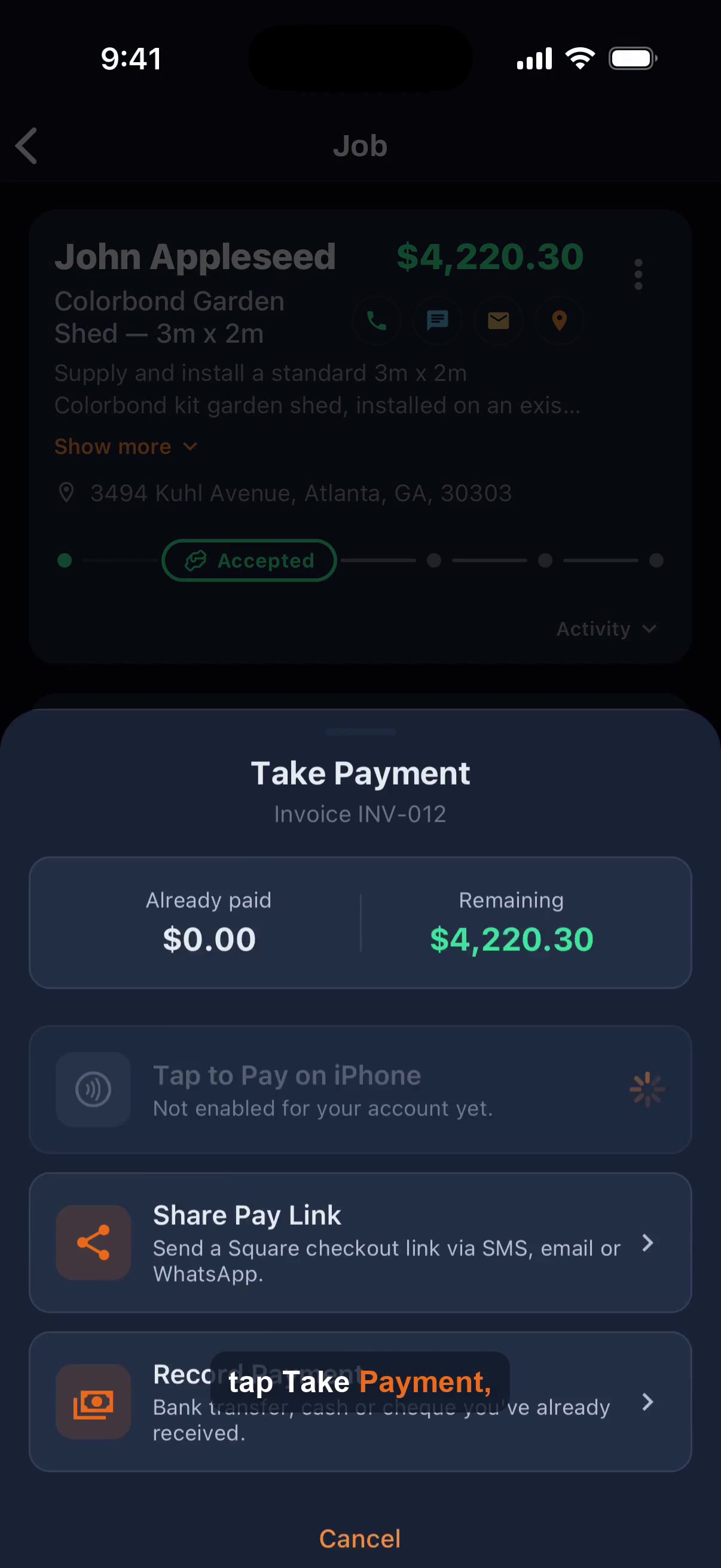 15sTake a payment
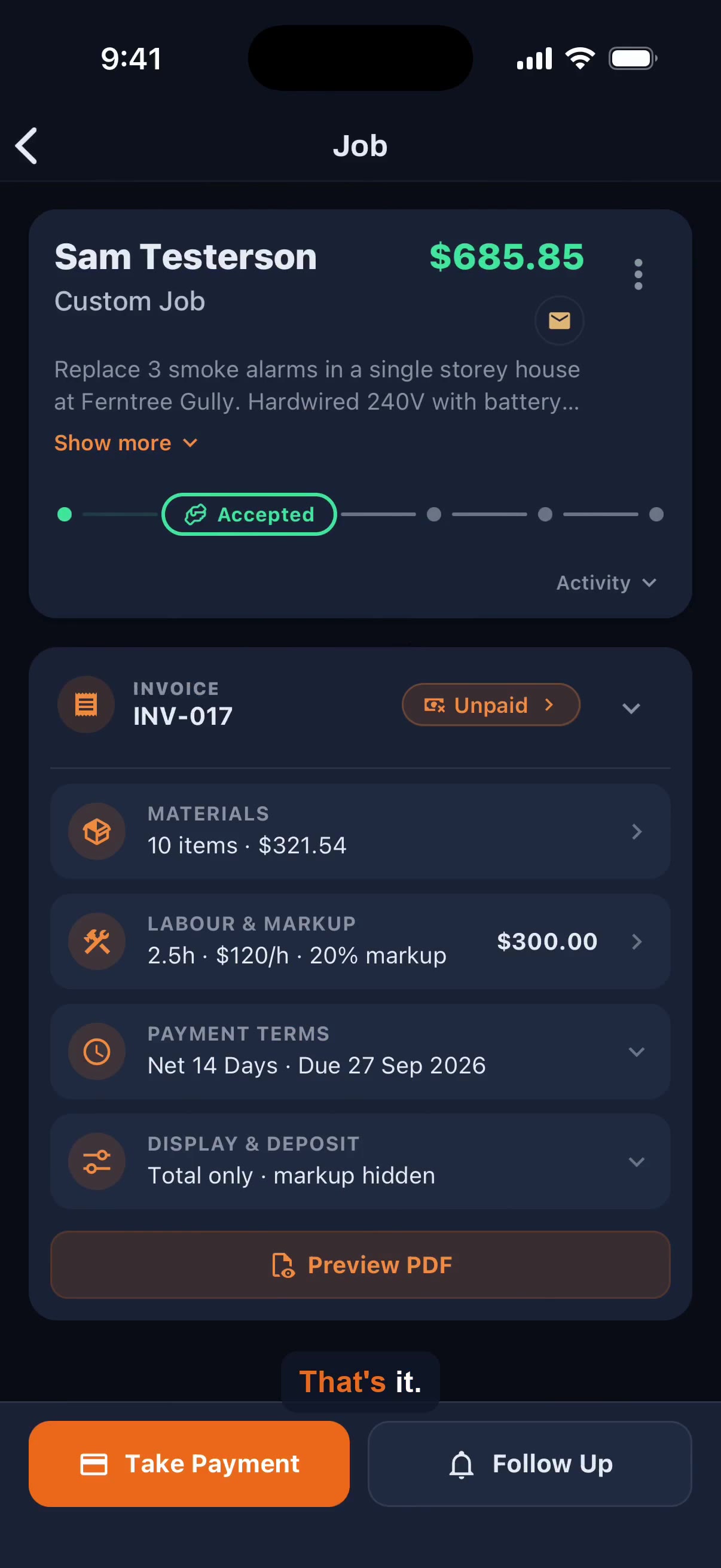 14sTurn an accepted quote into an invoice
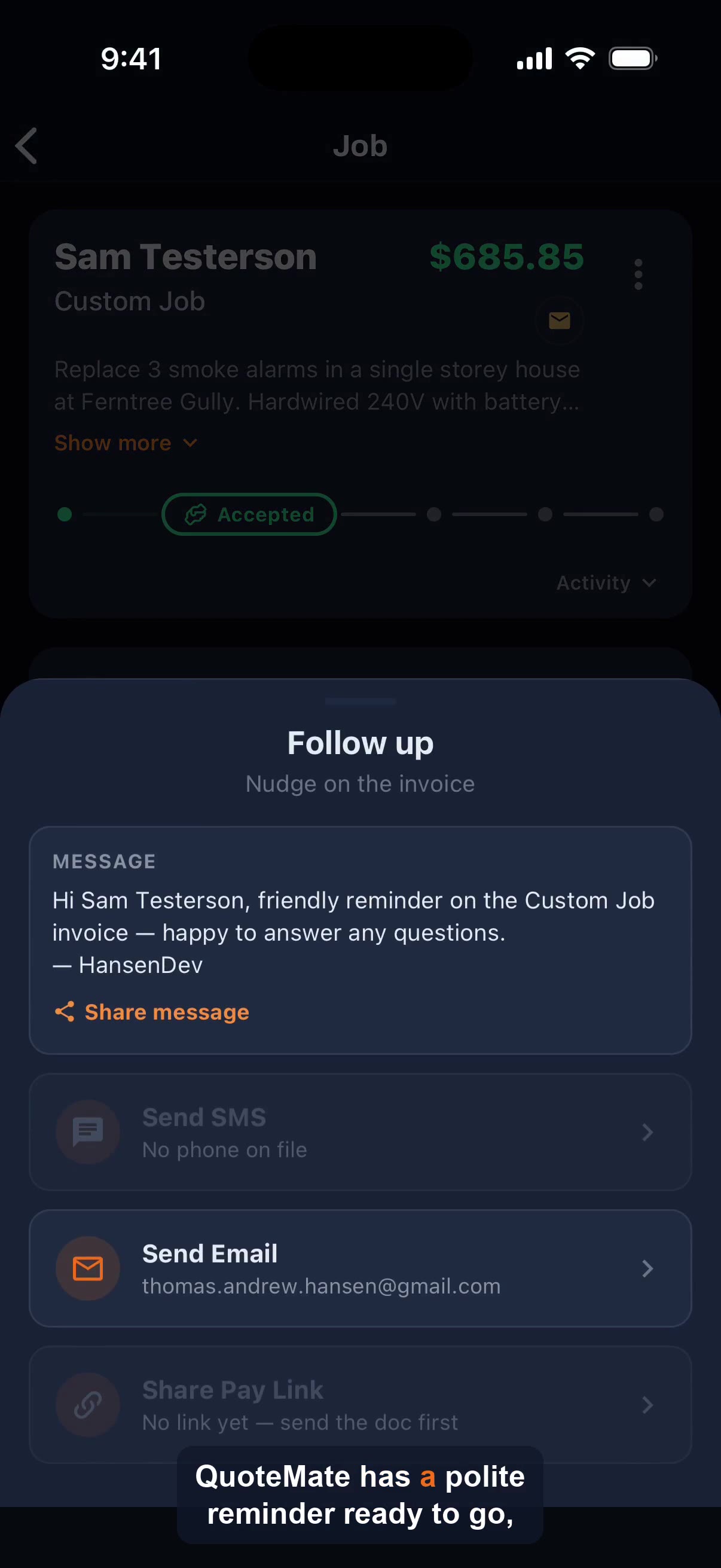 16sChase an unpaid invoice
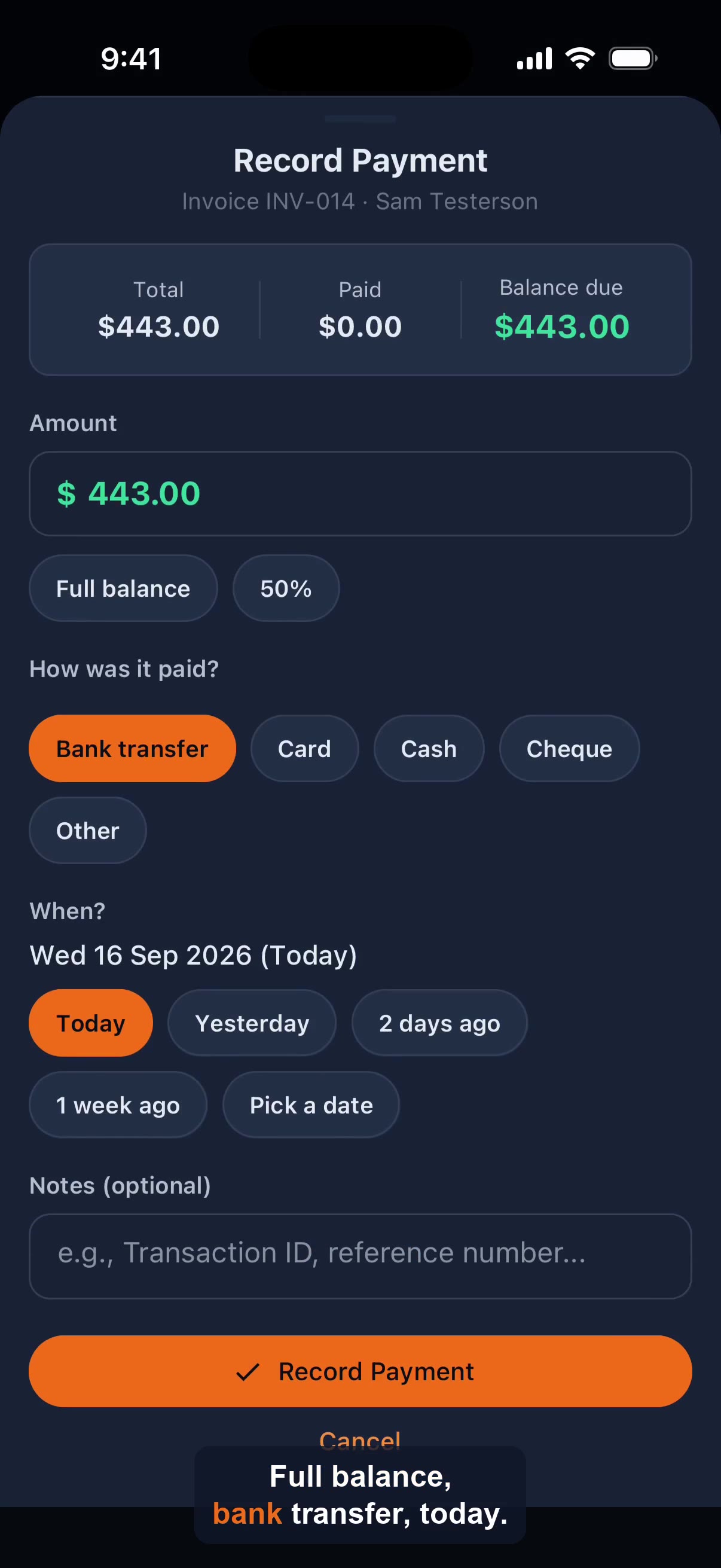 14sRecord a bank transfer payment
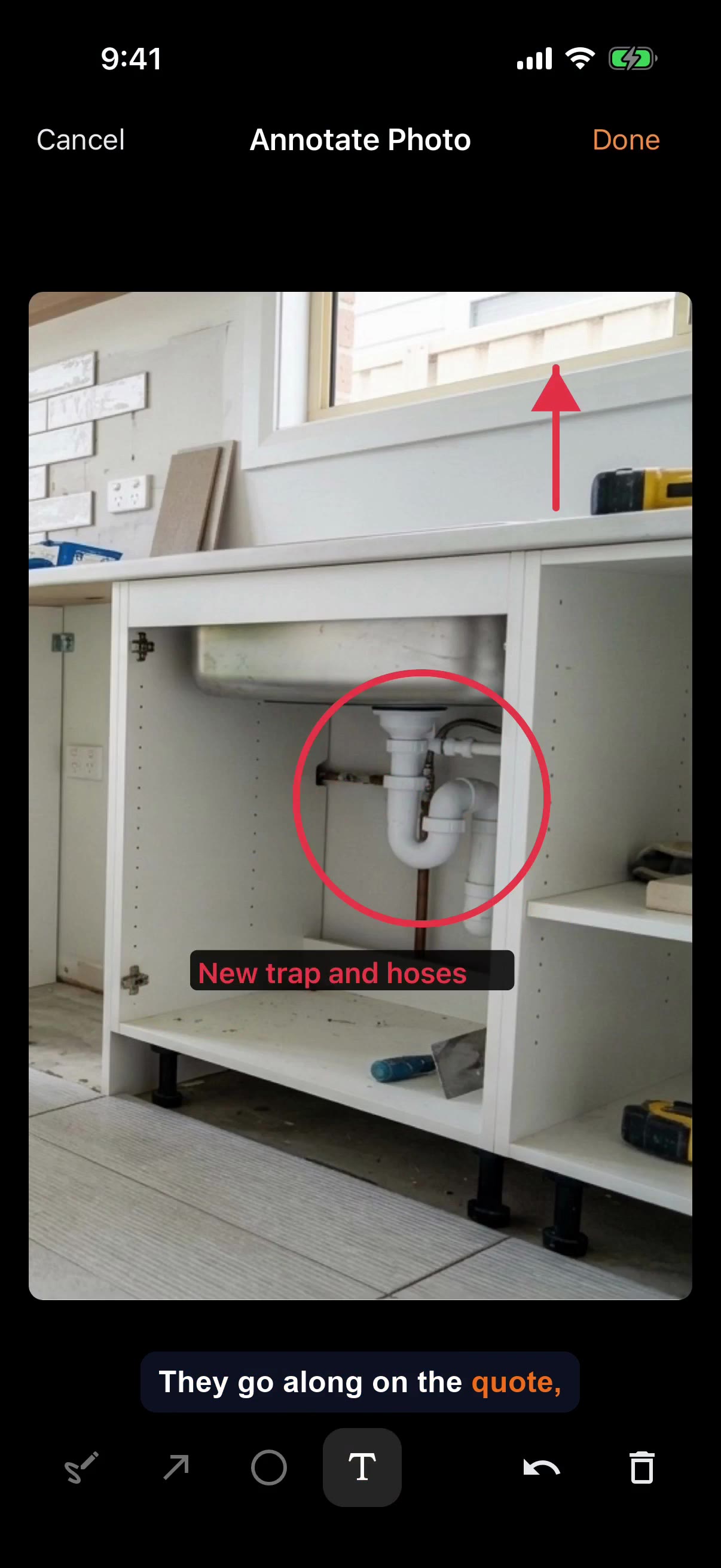 25sJob photos: add, tag before and after, annotate
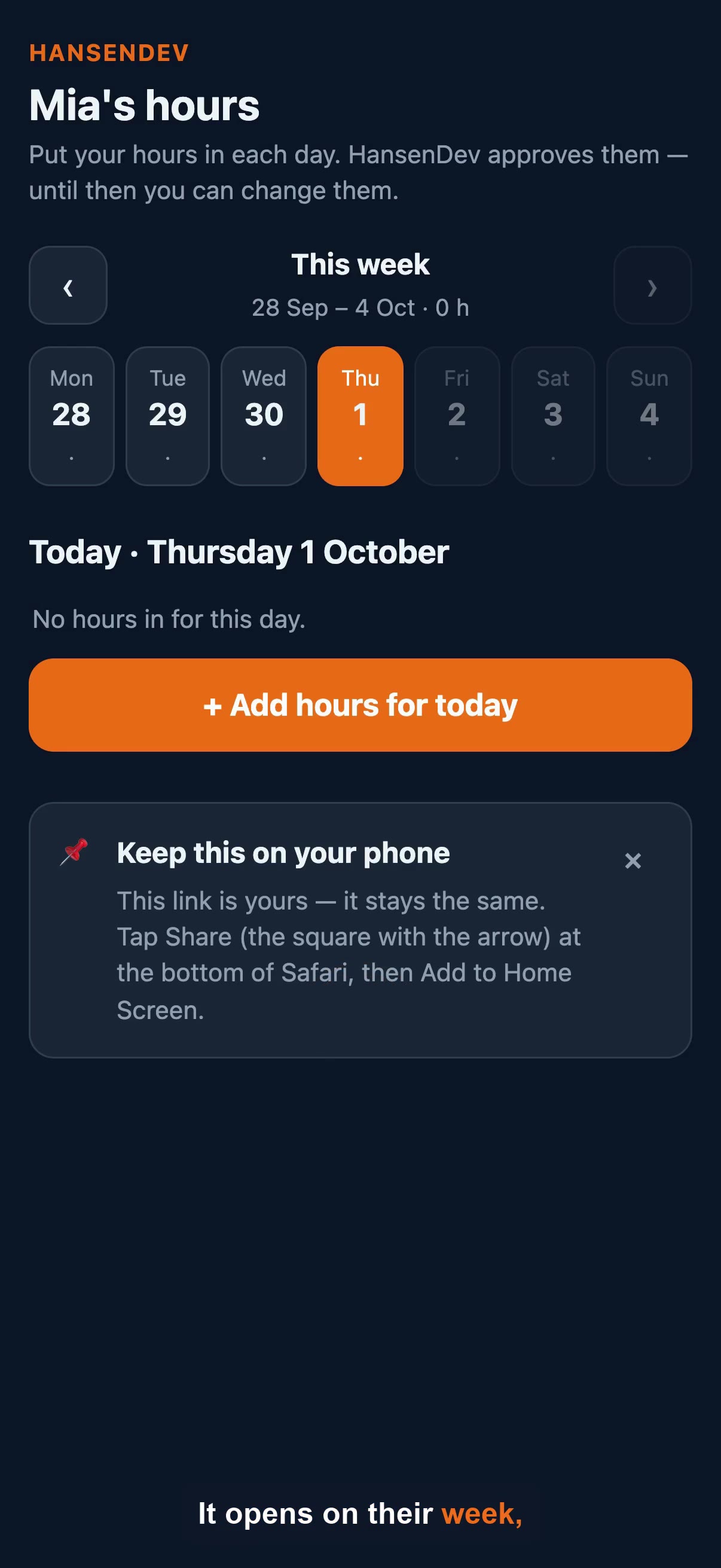 24sYour crew putting their own hours in
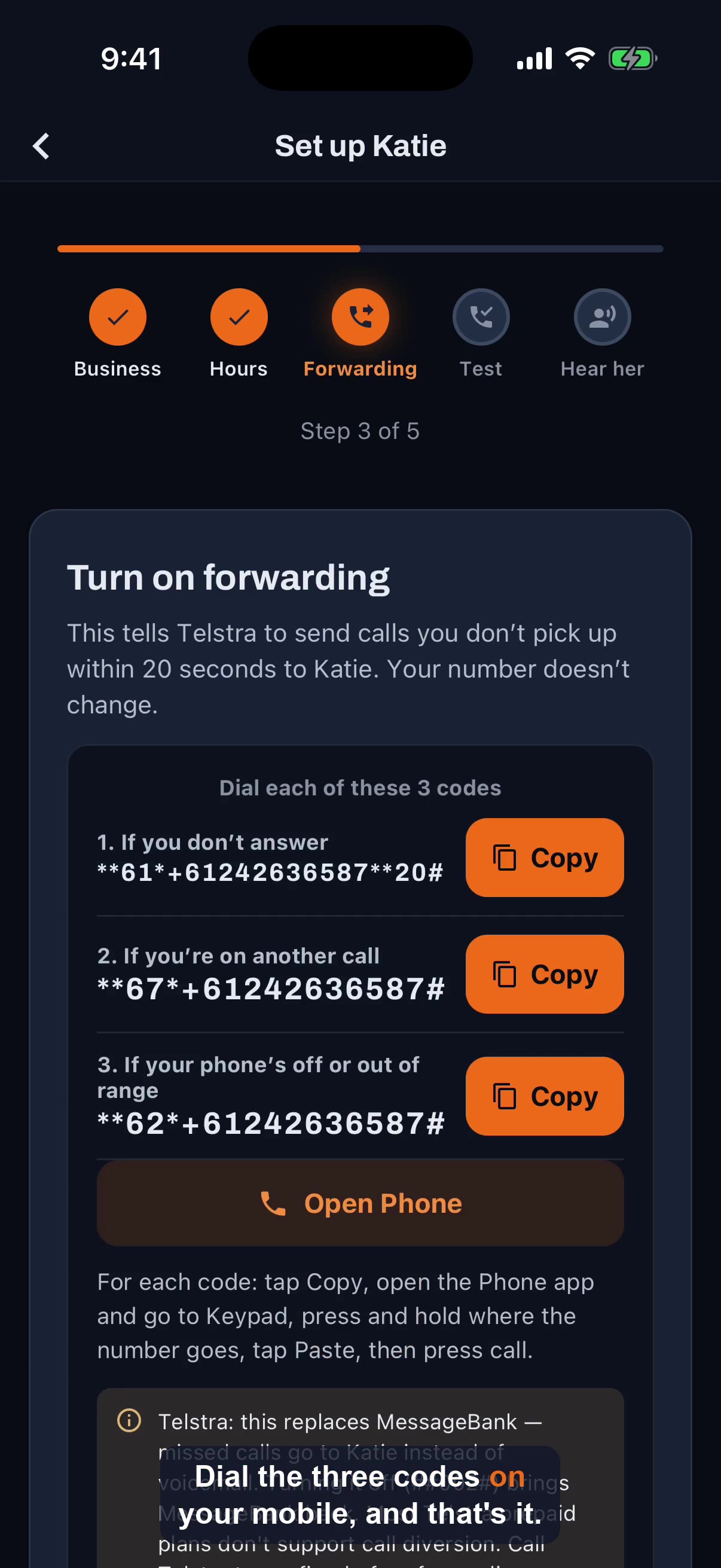 33sSet up Katie to answer your missed calls
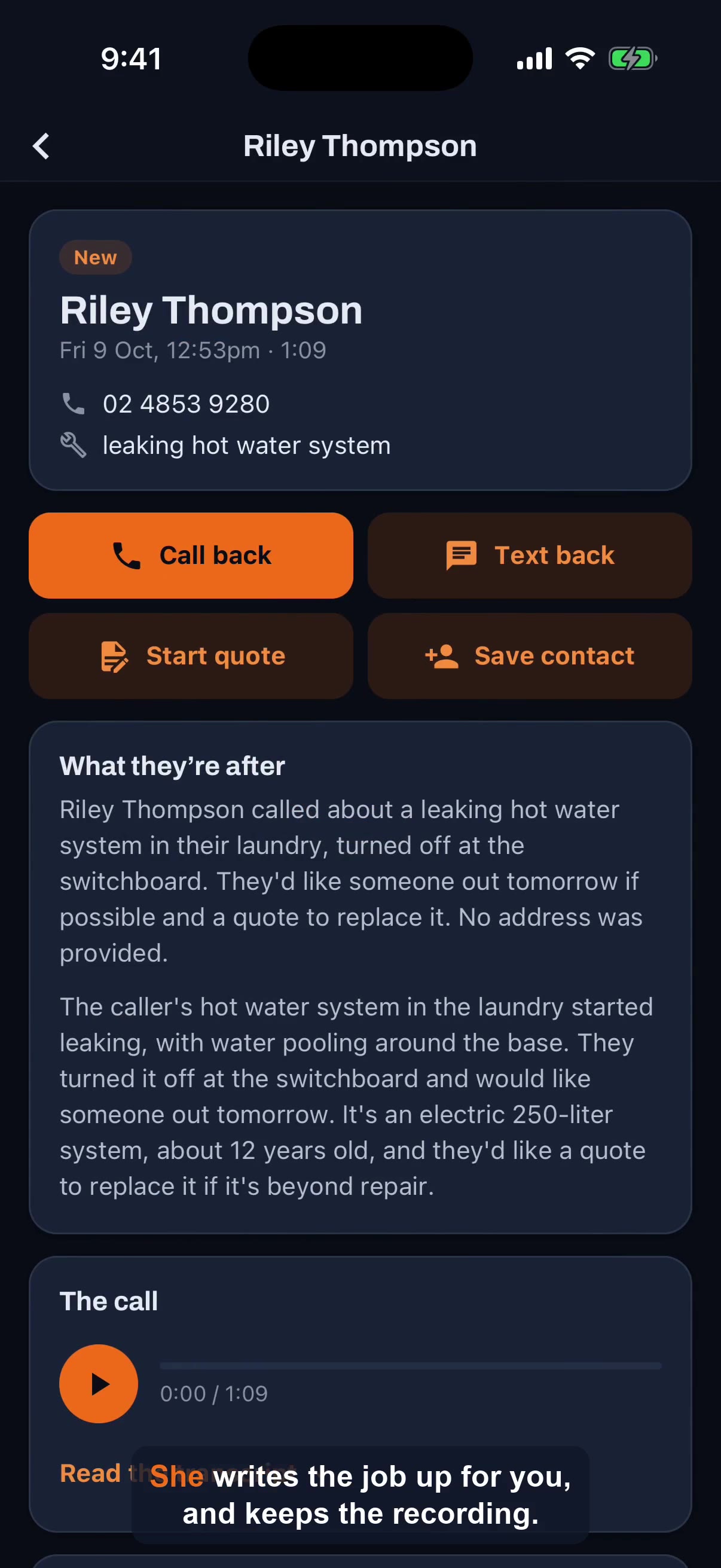 21sSee a call Katie answered and turn it into a quote
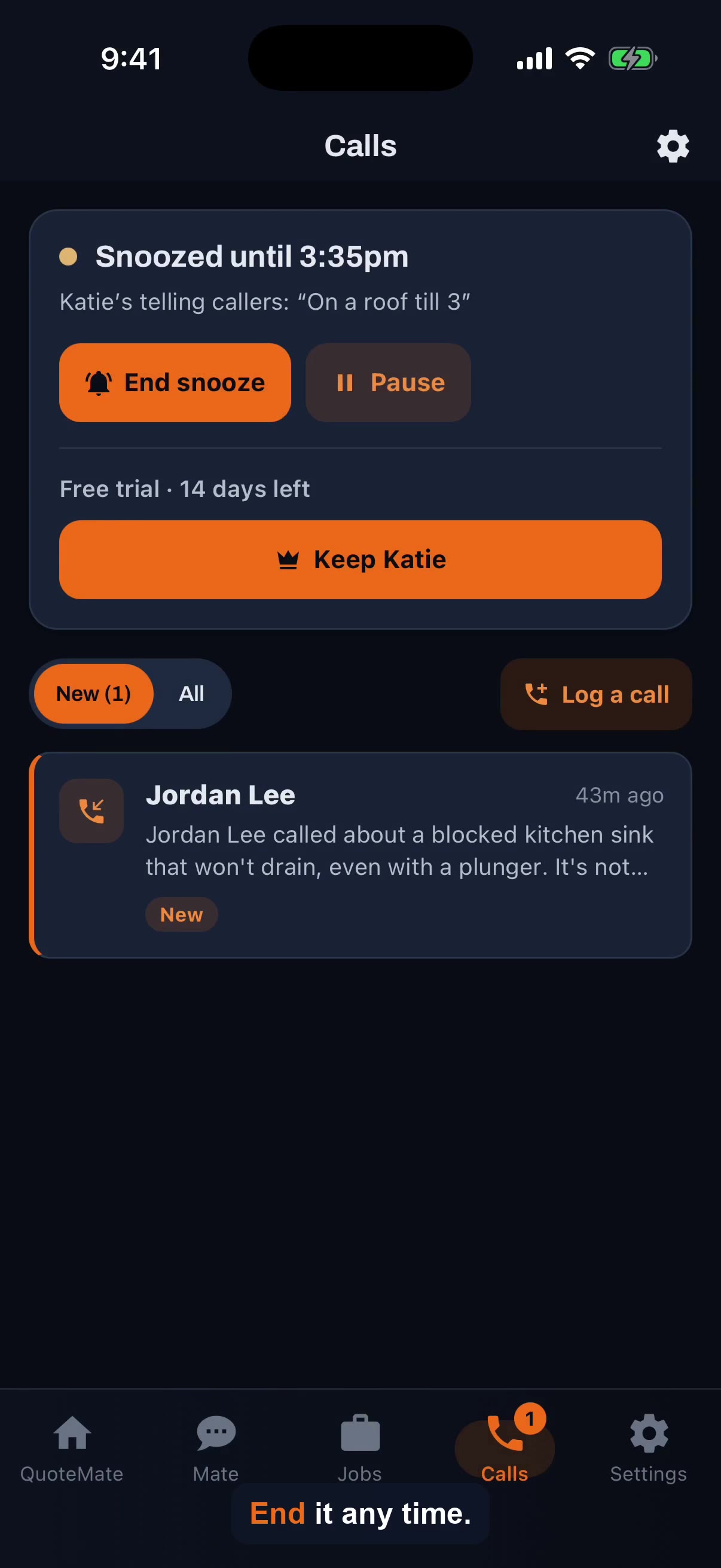 21sSnooze Katie and change her hours
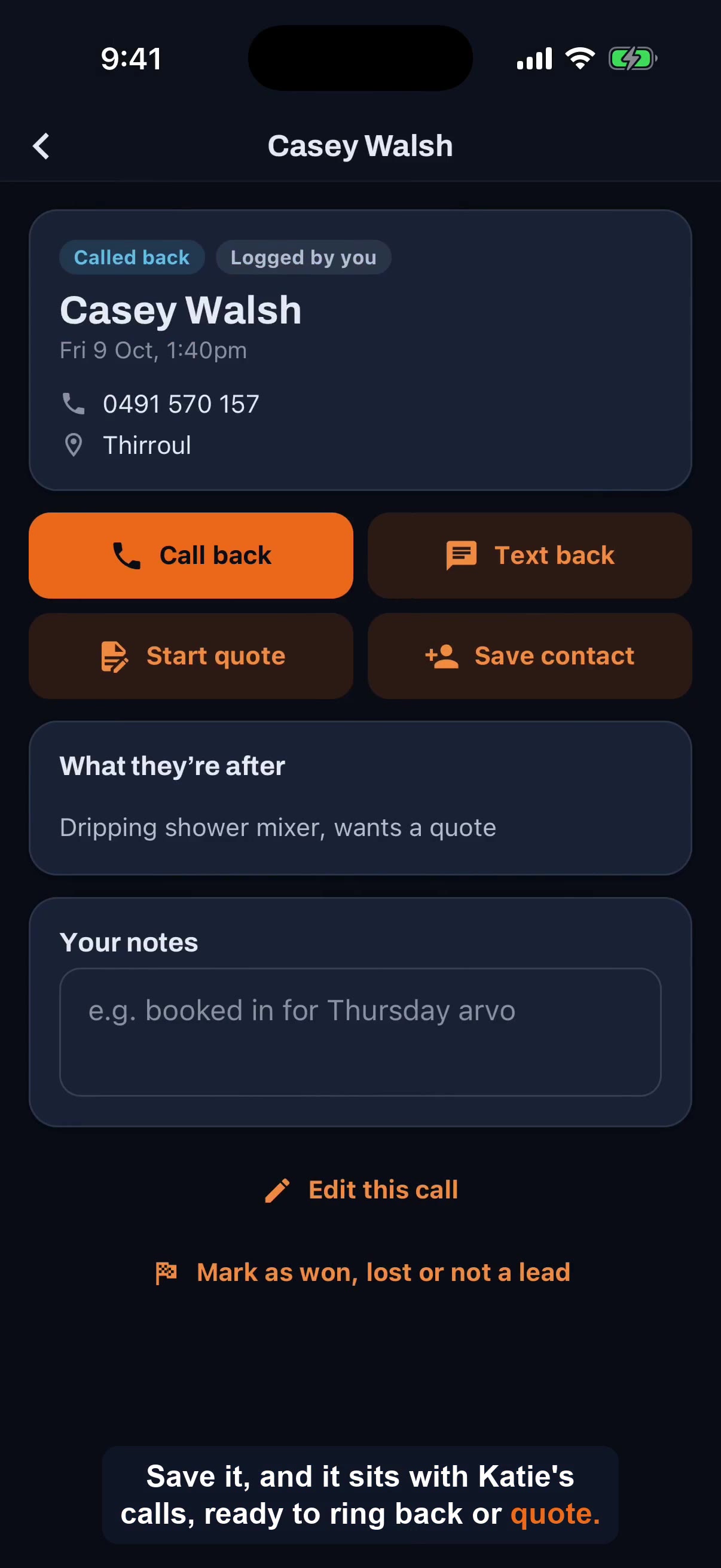 13sLog a call you took yourself
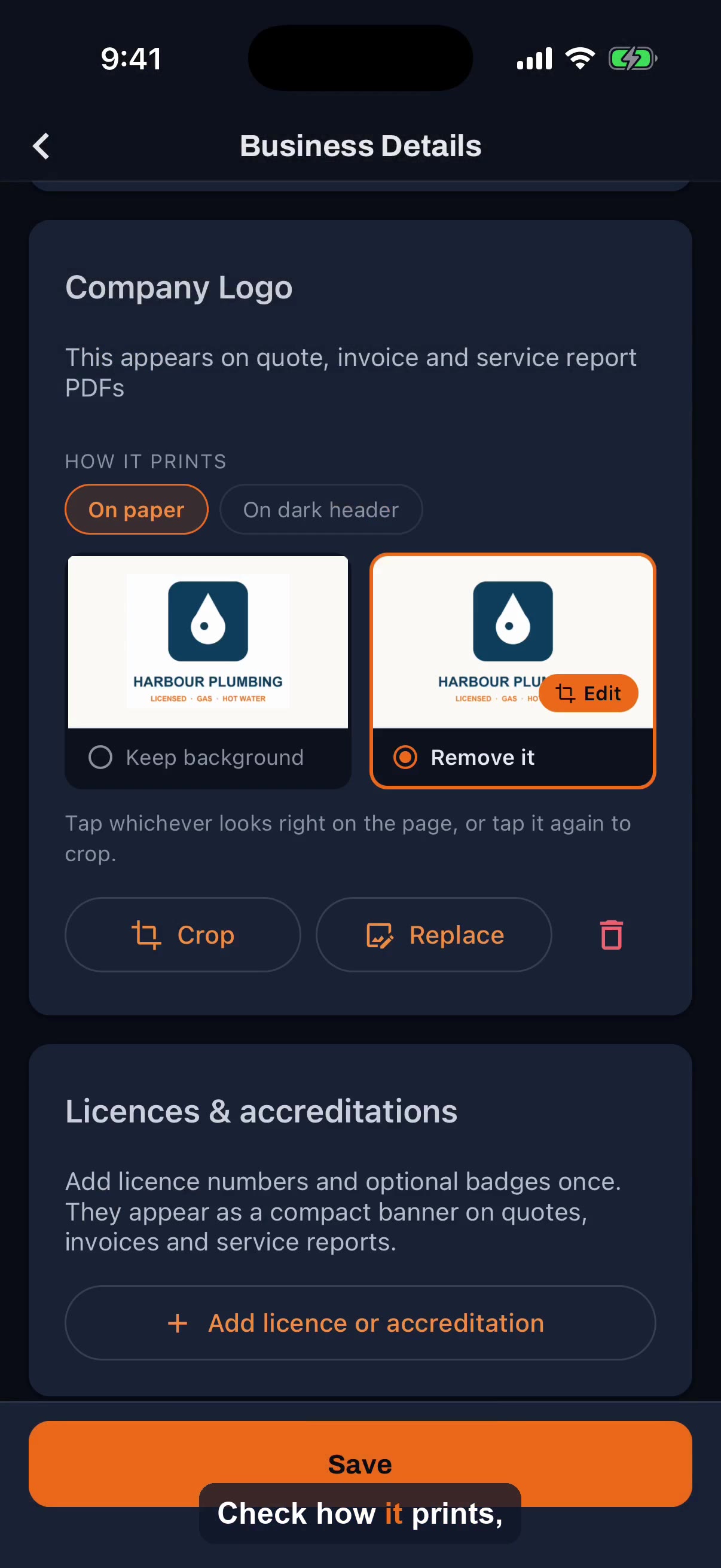 16sAdd your logo to quotes and invoices
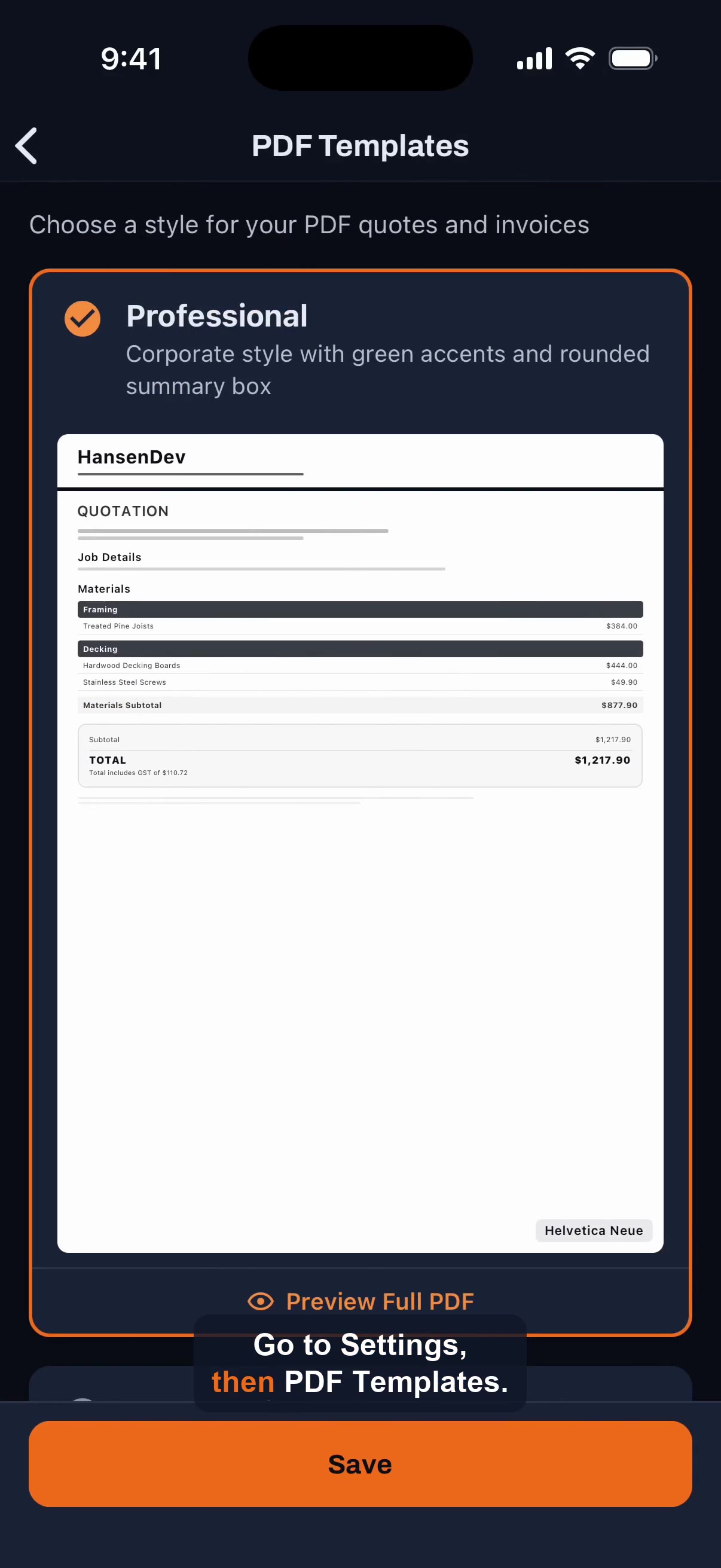 15sChange your PDF template
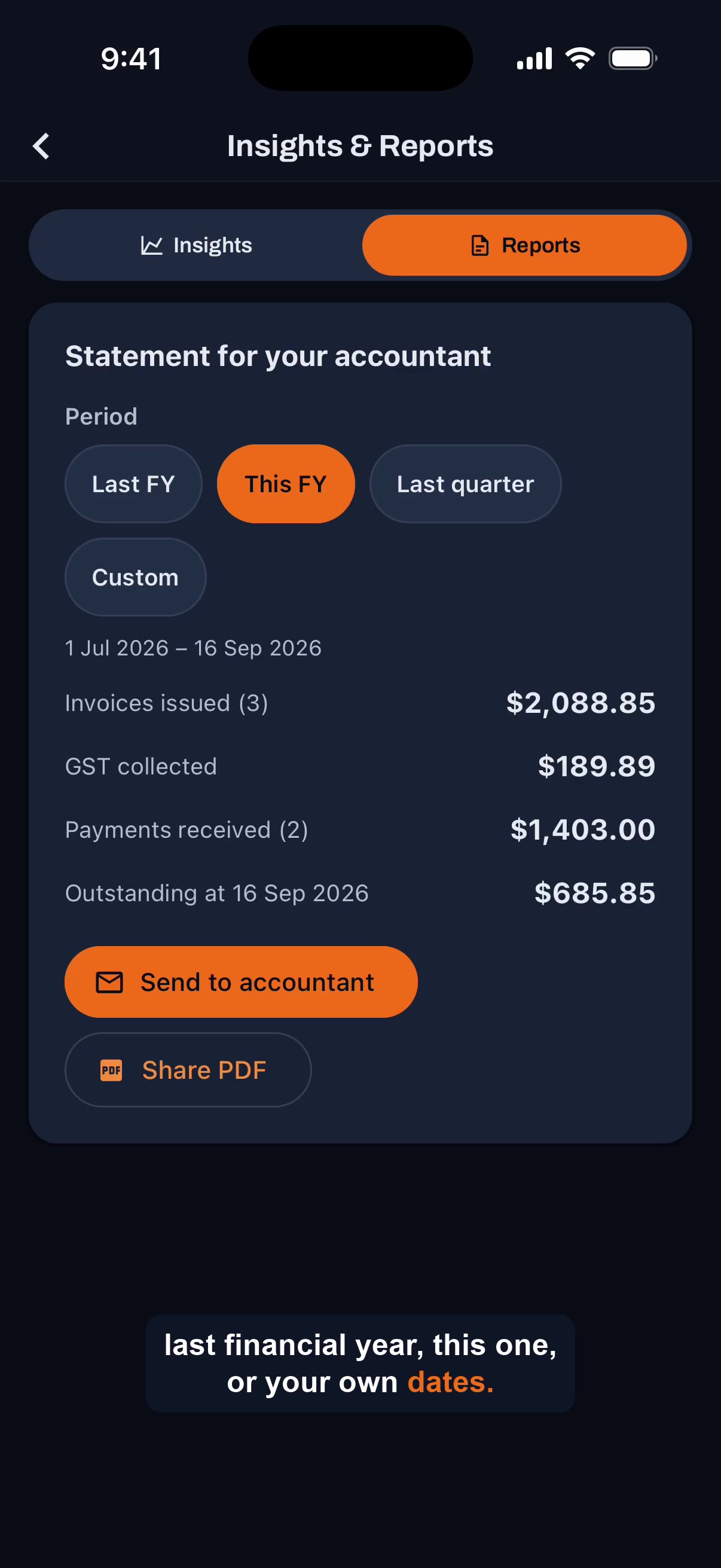 25sSend a statement to your accountant from QuoteMate
Getting Started
Sign up, set up your business, send the first one.
- Create your account and set up your businessSign up by email, Google, or Apple; email verification; the 6-step onboarding (company, trade, contact/ABN, branding, rates, payments).
- Quick start — send your first quote▶The fastest path to sending a first quote, plus the note that the 14-day trial starts on first quote.
- Supported platforms, devices, and offline useiOS, Android, and web; one subscription across devices; offline-first with auto-sync; Tap to Pay device requirements; mobile-only features.
- Trades QuoteMate supports24+ supported trades and the trade-specific touches for electricians, plumbers/gasfitters, and tilers.
- What is QuoteMate?Product overview: an AI quoting and invoicing app for Australian tradies. What it does, who it's for, Australian focus, the Mate beta assistant.
Quoting
Materials, prices, labour, GST and templates.
- Creating a quoteThe quoting flow (details, customer, materials, pricing, preview), section-based quoting, and sending by email/SMS/WhatsApp.
- GST, labour, markup, and travelAutomatic 10% GST, labour hours/days and rate, separate materials/labour markup, and a travel adjustment with fuel estimator.
- How AI material suggestions work▶Describe a job in plain English to get suggested materials and quantities; everything is editable; AI generation is a Pro feature.
- How Mate remembers the way you quote▶Tell Mate something once about how you price, and it can follow it on every quote after that. Your rates, your rules, and the way you work are kept in one place you can read and edit.
- Job templates and section templatesBuilt-in job templates (deck, fence, pergola, stairs) and reusable saved section templates for repeat work.
- Live supplier pricing and your trade ratesThe price-priority chain (your data first), importing supplier price lists, saving trade rates, and fixing 'no prices found'.
Invoicing & Payments
Invoices, Square, pay links and chasing money.
- Getting paid with Square (Tap to Pay, fees, payouts)▶Canonical fees doc. Tap to Pay requirements, online links, the fee table (Free 1.7% vs Pro 1.0% online / 1.5% in-person), why there is no surcharge option from 1 Oct 2026, next-day payouts, refunds via Square.
- Invoices and converting a quote to an invoice▶One-tap quote-to-invoice (idempotent, no duplicates), creating invoices directly, deposits, partial payments, and invoice statuses.
- Payment methods your customers can useSquare, card, cash, cheque on all plans; bank transfer, PayID, BPAY, PayPal on Pro.
- Tracking payments and chasing unpaid invoices▶Invoice statuses, automatic overdue detection, automated invoice reminders and quote follow-ups, receipts, and GST logging for BAS.
Job Management
Jobs, stages, photos and the pipeline.
- Job photos and marking up what you'll do▶Adding site photos and plans to a job or quote (up to 30 per quote), Before/After tagging, and marking photos up with arrows, circles and labels the customer understands. Photos show on the online quote.
- Logging hours on a job, and your crew's▶Logging hours on a job, charging the logged hours on an invoice, crew putting their own hours in from an emailed link (a week view they can change until approved), the Timesheets screen to change or approve anyone's hours, Mate logging time, and the quoted-vs-actual and timesheet reports.
- Managing jobs and the pipelineThe 9-stage job pipeline and status updates, scheduling, checklists, and follow-ups. Conservative note on Google Calendar sync.
Integrations
Xero, Square, Reece, Google Calendar and Katie.
- Connecting Square for paymentsHow to connect Square (onboarding or Settings), OAuth, needing a Square account on your ABN, and what you can do after connecting. Fees live in the getting-paid doc.
- Google Calendar integrationConnect Google Calendar in Settings. Conservative on automatic job sync pending verification.
- Katie, your call answerer (CallKatie)▶Katie answers the calls you miss and drops them into the Calls tab: setup and call forwarding, call summaries and recordings, Start quote from a call, Snooze and Pause, settings, and the 14-day trial.
- Reece maX integrationLive Reece maX integration: connect via OAuth, trade-rate pricing refreshed nightly, order to Reece from an accepted quote, on by default for plumbers/gasfitters, no extra cost.
- Xero integrationConnect Xero via OAuth, choose organisation, push invoices in one tap, auto-create contacts, bulk sync, CSV export.
Pricing & Billing
Plans, the trial and your subscription.
- Free trial — how it works14-day Pro trial starting on first quote, no card needed, and what happens when it ends.
- Managing, upgrading, and cancelling your subscriptionUpgrade in-app; billed via App Store / Google Play / Stripe by platform; cancel any time and keep Pro to period end; GST-inclusive AUD.
- Plans and pricingFree (unlimited quotes/invoices) vs Pro ($49/mo, $490/yr). What each plan includes; one subscription across devices.
Account & Settings
Branding, your details and your data.
- Business profile, logo, and branding▶Set business name, ABN, contact details, brand colour, and logo; branding on PDFs (logo is a Pro feature); defaults and rates.
- Data security and privacyFirebase storage, encryption in transit and at rest, Australian Privacy Act compliance, AI processing note, 30-day deletion.
- Send a statement to your accountant▶Email your accountant a statement of invoices issued and payments received for any period, as a PDF plus a CSV; pick Last FY, This FY, Last quarter or custom dates from Insights.
Troubleshooting
When something is not working.
Nothing matches that search. Try a different word, or ask below.